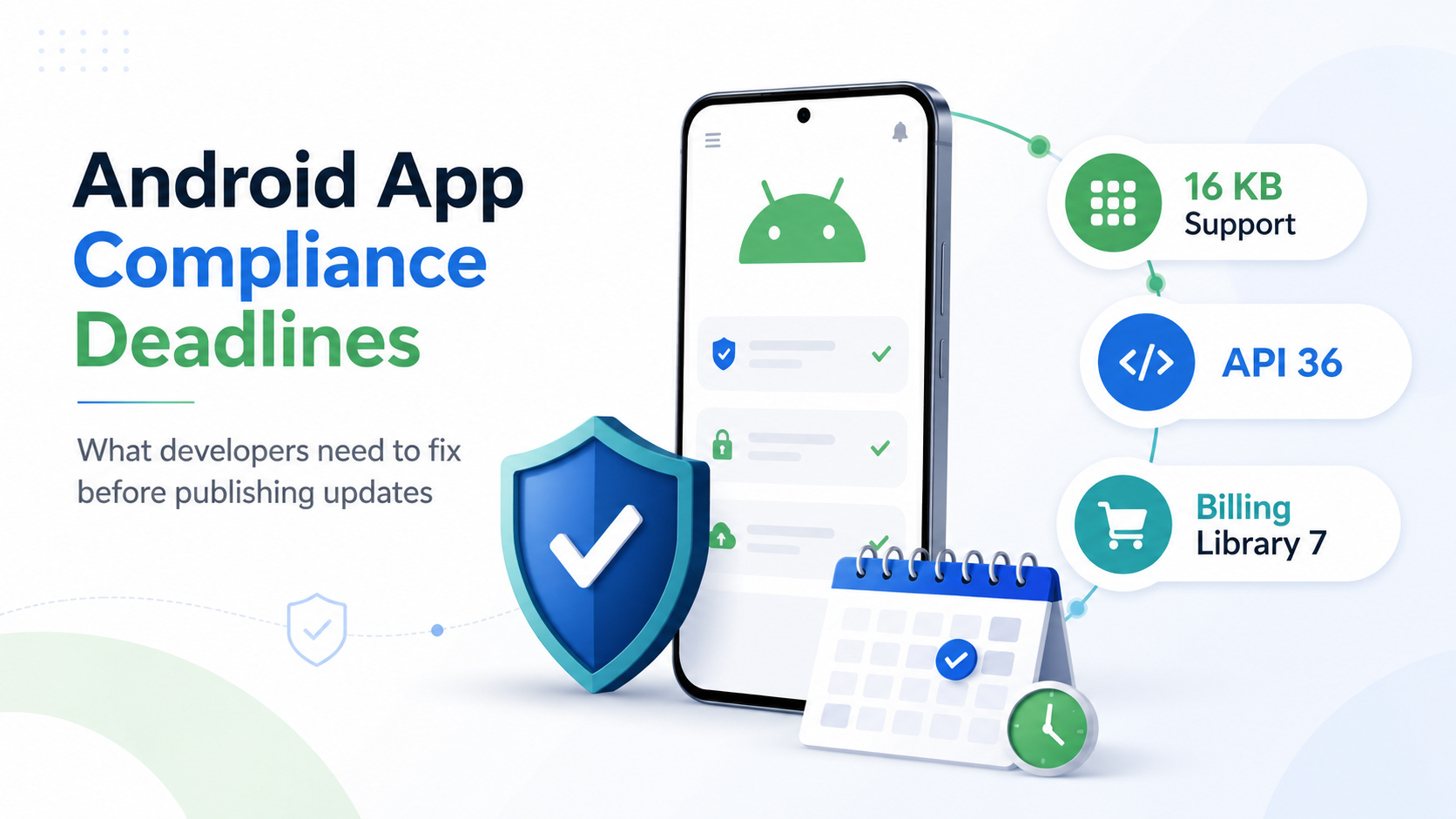
Navigating Google's Upcoming Android App Compliance Deadlines: What You Need to Know Now
Stay ahead of Google's compliance deadlines for Android apps by ensuring your target API level, Billing Library, and 16 KB page size are up to date.

Webnyxa Technologies
3 views
Your Android App May Already Be Blocked From Shipping Updates
If your last Play Console upload triggered a warning about “16 KB page sizes,” “target API level,” or “Billing Library,” you’re not looking at a future problem. Part of it already happened.
Here’s what’s actually going on, broken into three separate deadlines that Google has bundled together in developer messaging — which is exactly why most teams misread them.
16 KB page size support — deadline already passed
Since November 1, 2025, every new app and new build submitted to Google Play has had to support 16 KB memory page sizes. Since May 1, 2026, that requirement extended to updates on existing apps. Google gave a one-time grace extension to May 31, 2026. That extension is gone now too.
This one catches teams off guard because it’s not a code change you make — it’s a rebuild. If your app ships any native library (a React Native native module, a Flutter plugin with native bindings, an old NDK dependency, a third-party SDK that hasn’t been updated), that library has to be recompiled with 16 KB alignment. You can’t patch your way around it. If a vendor SDK you depend on hasn’t shipped a 16 KB-compatible build, your app is stuck until they do — or until you replace it.
If you haven’t specifically tested your app on a 16 KB page size emulator image, don’t assume you’re fine because your last build went through. Google’s rollout has been staged, and the warnings get stricter as more devices ship with 16 KB pages as the default.
Target API level 36 — deadline August 31, 2026
This is Google’s standard annual requirement: new apps and updates must target Android 16 (API level 36) by August 31, 2026. This one is more familiar territory — most teams have been through a target SDK bump before. The risk is assuming it’s “just a version number change.” Raising targetSdkVersion changes default behavior around permissions, background execution, notification handling, and storage access. Apps that haven’t touched their target SDK in two or three years often find multiple features silently break during this bump, not after release — during internal testing, if they’re testing properly.
Google Play Billing Library 7 — deprecated August 31, 2026
If your app sells subscriptions or in-app purchases through Billing Library 6 or 7, that version stops being accepted on the same date. Billing Library 8 is the current minimum. Google has already shipped version 9. Migrating isn’t a drop-in dependency bump — purchase flows, acknowledgment logic, and subscription state handling all changed between major versions. Teams that migrate this in a rush tend to ship subscription bugs, not upgrade bugs — which is worse, because it shows up as lost revenue, not a rejected build.
Why this is hitting so many apps at once
These three requirements come from different parts of Google Play’s policy calendar, but they land in the same six-week window. A team that hasn’t touched their Android build pipeline recently is very likely carrying all three at the same time: an old target SDK, an old Billing Library version, and native dependencies that were never rebuilt for 16 KB pages. Fixing one often surfaces the other two — a Billing Library upgrade frequently forces a Gradle and Kotlin version bump, which then exposes the 16 KB gaps you didn’t know you had.
What to check right now
Open Play Console and check for any existing warnings on target API level, Billing Library version, or 16 KB page size compatibility.
Confirm your targetSdkVersion is already at 36, or map out what changes if it isn’t.
Check your Billing Library version in build.gradle — anything below 8 needs a migration plan before August 31.
List every native dependency and third-party SDK your app ships, and check whether each has published a 16 KB-compatible release.
Test an actual build on a 16 KB page size emulator image before you assume you’re compliant.
None of this requires rebuilding your app from scratch. It does require someone to actually go through the dependency list, the build config, and the purchase flow line by line — which is easy to deprioritize until Play Console blocks your next release.
If you want a second set of eyes on this before it becomes a shipping problem, Webnyxa runs a fixed-scope Google Play Compliance Audit covering all three of these areas — API 36 readiness, Billing Library migration, and 16 KB compatibility — with a clear report and upgrade estimate at the end of it. Send us your Play Console warning and we’ll tell you exactly what’s blocking you
Topics
Comments
No comments yet. Be the first to share a thought.